
![[HERO] SOP: Responding to Rental Inquiries Within One Business Day](https://cdn.marblism.com/F9RCo5NfPtG.webp)
Purpose and Standard
This Standard Operating Procedure establishes the protocol for responding to rental inquiries across all marketing platforms. The goal is to respond to 100% of inquiries within one business day (24 hours during weekdays, excluding weekends and holidays).
Why this matters: Research shows that 71% of renters expect responses within 24 hours, yet only 51% of property managers meet this standard. Failing to respond quickly results in lost leads, wasted marketing dollars, and prospective tenants moving on to competitors. Speed and consistency in communication directly impact occupancy rates and revenue.
Response Time Definition
One business day means:
- Inquiries received Monday–Thursday must receive a response by the same time the following business day
- Inquiries received Friday after business hours, or on weekends, must receive a response by end of business Monday
- Inquiries received on holidays must receive a response by end of business the next working day
Set a goal to respond within 4–6 hours during business hours when possible. The 24-hour standard is the baseline, not the target.

Platform-Specific Response Protocols
Facebook Inquiries
Platform: Facebook Messenger
Access: Log into the Entrusted Property Management Facebook Business Page and navigate to the Messenger inbox.
Response Protocol:
- Check Messenger notifications at minimum three times daily: morning (9:00 AM), midday (12:00 PM), and end of business day (5:00 PM)
- Click on each unread message thread
- Review the inquiry details and property of interest
- Respond directly through Messenger using the approved response templates (see Response Content Guidelines below)
- Mark the inquiry as “Responded” in your tracking system
- Set a follow-up reminder for 48 hours if the prospect does not reply
Key Notes:
- Facebook Messenger inquiries often come through after business hours. Prioritize these first thing in the morning
- Enable mobile notifications on your work phone to catch urgent weekend inquiries
- Use Messenger’s “Saved Replies” feature to store frequently used responses for efficiency
Zillow Inquiries
Platform: Zillow Rental Manager
Access: Log into your Zillow Rental Manager account at rentalmanager.zillow.com.
Response Protocol:
- Navigate to the “Leads” tab in your Zillow Rental Manager dashboard
- Sort inquiries by “Newest First” to identify unresponded messages
- Click on each lead to view the full inquiry and property details
- Respond directly through the Zillow platform using the message composer
- Include property-specific details and a clear call to action (schedule showing, submit application, etc.)
- Mark the lead status as “Contacted” in Zillow’s system
- Update your internal CRM or tracking spreadsheet
Key Notes:
- Zillow sends email notifications for new inquiries to admin@entrustedpropertymgt.com: use these as backup alerts
- Zillow Rental Manager tracks your response time and displays it to prospects. Fast responses improve your visibility on the platform
- Use Zillow’s scheduling feature to book showings directly when appropriate
Trulia and Apartments.com Inquiries
Platform: Email (admin@entrustedpropertymgt.com)
Access: Monitor the company email inbox throughout the business day.
Response Protocol:
- Check admin@entrustedpropertymgt.com at minimum four times daily: 8:00 AM, 11:00 AM, 2:00 PM, and 4:30 PM
- Identify emails with subject lines containing “Trulia Inquiry” or “Apartments.com Lead”
- Open each email and review the prospect’s message and contact information
- Reply directly to the prospect’s email address (provided in the notification)
- CC admin@entrustedpropertymgt.com on your response for record-keeping
- Move the original inquiry email to the “Responded Leads” folder
- Log the inquiry in your tracking system with date, time, property, and prospect name
Key Notes:
- These platforms send leads to email only: there is no web portal to manage responses
- Always reply-all if multiple team members are copied on the original notification
- Include your direct phone number and email signature in all responses to establish a direct line of communication
Response Content Guidelines
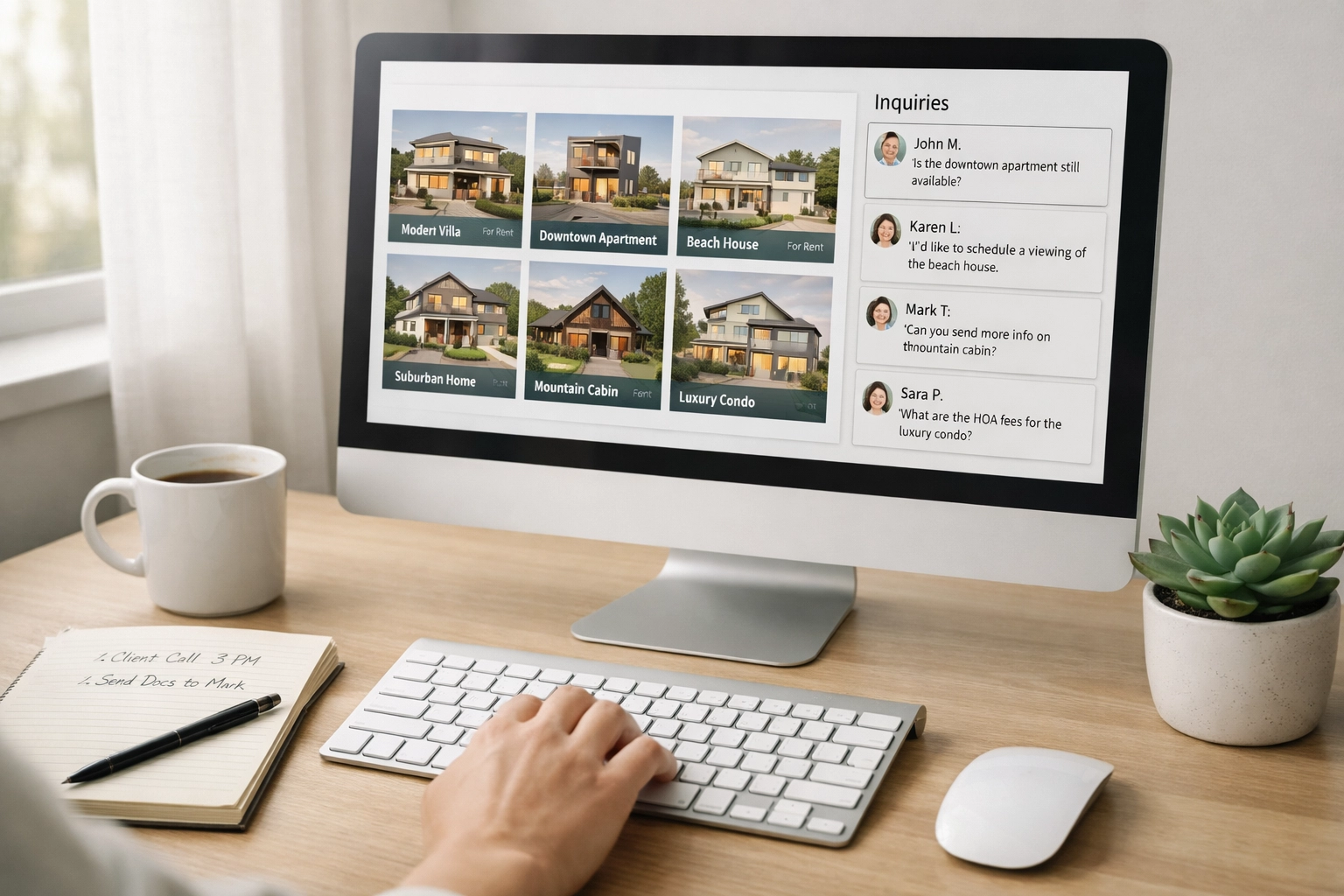
Every response, regardless of platform, must include the following elements:
1. Personalized Greeting
Address the prospect by name when provided. If no name is given, use a professional greeting like “Hello” or “Good morning/afternoon.”
2. Property Confirmation
Clearly state the property address and key details to confirm you’re responding to the correct inquiry. Example: “Thank you for your interest in the 3-bedroom, 2-bathroom home at 1234 Main Street in Bel Air.”
3. Availability Status
Confirm whether the property is currently available, under application, or recently rented. If unavailable, offer similar alternatives in the same area.
4. Key Property Information
Provide or confirm:
- Monthly rent amount
- Security deposit requirement
- Lease term options (12-month standard, other terms available)
- Move-in costs breakdown
- Pet policy (if applicable)
- Utility responsibilities
5. Next Steps
Clearly outline what the prospect should do next:
- Schedule a showing (provide your calendar link or available times)
- Submit an application (provide the application link)
- Ask additional questions (invite them to reply or call)
6. Professional Signature
Include:
- Your full name
- Job title
- Entrusted Property Management
- Direct phone number
- Office email address
- Company website: https://entrustedpropertymgt.com
Example Response Template:
“Hi [Name],
Thank you for reaching out about the 3-bedroom home at 1234 Oak Street in Edgewood. This property is currently available for a move-in date of March 1st.
Here are the key details:
- Monthly Rent: $1,850
- Security Deposit: $1,850
- Lease Term: 12 months
- Pets: Small dogs under 25 lbs considered with additional deposit
- Utilities: Tenant responsible for electric, gas, and water
I’d be happy to schedule a showing for you. I have availability this Thursday at 3:00 PM or Saturday at 10:00 AM. Does either time work for your schedule?
Looking forward to hearing from you.
Best regards,
[Your Name]
Leasing Coordinator
Entrusted Property Management
[Phone Number]
admin@entrustedpropertymgt.com
https://entrustedpropertymgt.com”
Inquiry Tracking System
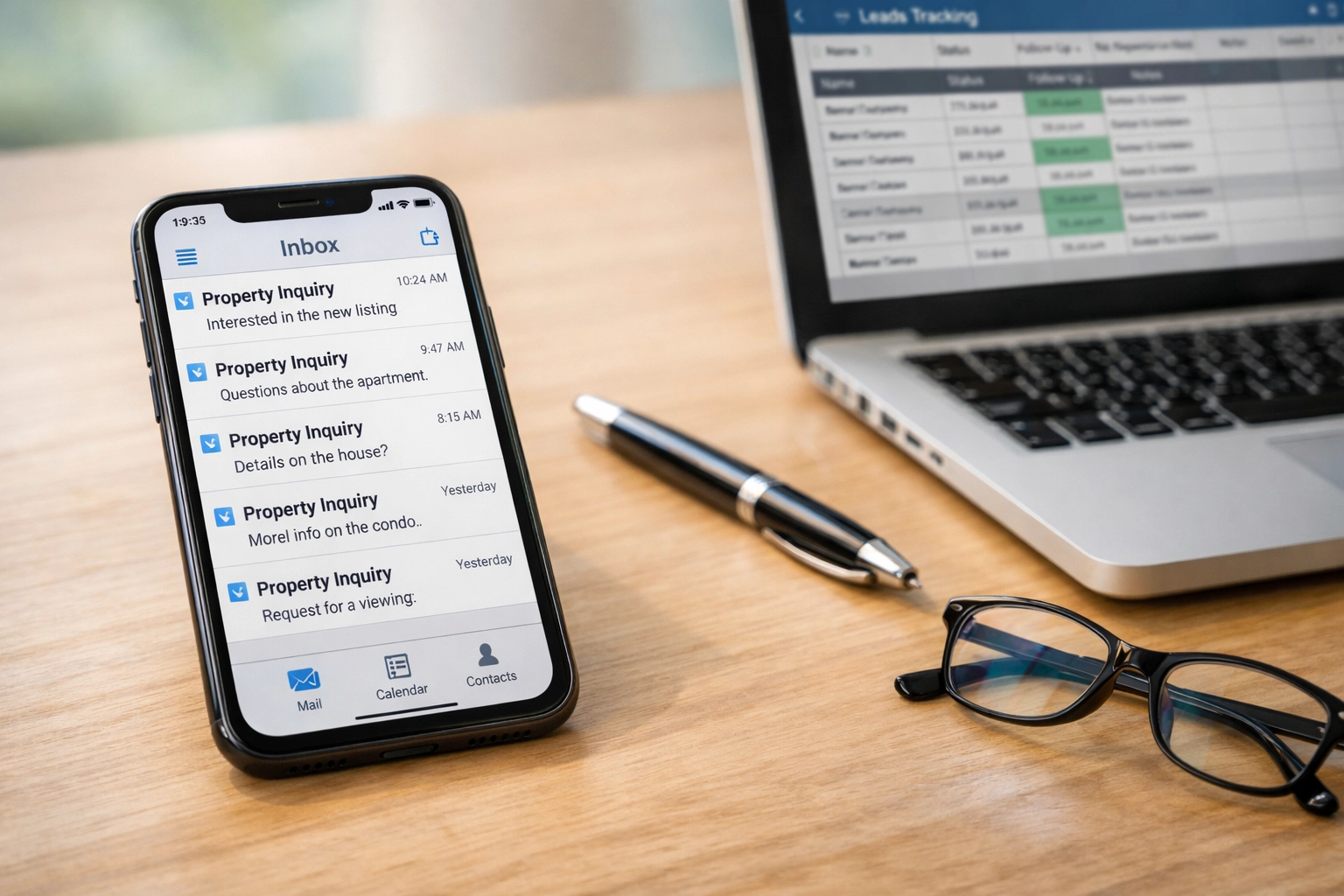
Maintain a shared tracking spreadsheet (Google Sheets or Excel) with the following columns:
- Date/Time Received
- Source Platform (Facebook, Zillow, Trulia, Apartments.com)
- Property Address
- Prospect Name
- Prospect Contact Info
- Date/Time Responded
- Response Time (calculated automatically)
- Status (Responded, Showing Scheduled, Application Submitted, Not Interested, No Response)
- Assigned Team Member
Update this spreadsheet immediately after responding to each inquiry. This creates accountability and allows management to identify bottlenecks or patterns in inquiry volume.
Quality Control
Weekly Review: Every Monday morning, the team lead reviews the previous week’s inquiry log to ensure:
- 100% of inquiries received a response within the 24-hour standard
- Response quality meets company standards
- Follow-up actions were completed for prospects who replied
Monthly Metrics: Track and report:
- Total inquiries by platform
- Average response time by platform
- Conversion rate (inquiries to showings to applications)
- Weekend/after-hours inquiry volume
These metrics inform staffing decisions and platform marketing investment.
Troubleshooting Common Issues
Issue: Inquiry received after business hours on Friday.
Solution: Set up email forwarding to your mobile device or designate a weekend on-call team member to monitor for urgent inquiries. Respond first thing Monday morning if not addressed over the weekend.
Issue: Multiple team members respond to the same inquiry.
Solution: Assign platform responsibility. Example: Team Member A handles all Facebook and Zillow; Team Member B handles Trulia and Apartments.com. Update the tracking sheet immediately when you claim an inquiry.
Issue: Prospect’s question requires owner approval (pet exception, lease terms).
Solution: Send an initial acknowledgment response within 24 hours: “Thank you for your inquiry. I need to confirm [specific detail] with the property owner and will follow up with you by [specific date/time].” Then follow up as promised.
Issue: High inquiry volume during peak leasing season.
Solution: Use saved templates and auto-scheduling tools to reduce response time. Consider temporary staffing support or extending business hours during April–August peak months.
Commitment to Excellence
Entrusted Property Management’s reputation is built on responsiveness and professionalism. Quick, informative communication sets us apart from competitors and demonstrates respect for prospective tenants’ time. Following this SOP consistently ensures every inquiry receives the attention it deserves and maximizes our leasing success across Harford County and Baltimore County markets.
For questions about this SOP or to report technical issues with any platform, contact the Leasing Manager immediately.