
SOP: Scheduling and Conducting Property Showings
![[HERO] SOP: Scheduling and Conducting Property Showings](https://cdn.marblism.com/OLeUmXi0UtK.webp)
Purpose
This Standard Operating Procedure outlines the complete process for scheduling and conducting property showings at Entrusted Property Management. Following these steps ensures consistent service delivery, efficient use of team resources, and proper pre-screening of prospective tenants before property access is granted.
Overview of the Showing Process
All property showings follow a streamlined digital workflow designed to minimize manual coordination while maximizing screening efficiency. Prospective tenants initiate the process through our Jotform scheduling system, which automatically populates our company calendar and collects essential pre-qualification information. This automated approach eliminates back-and-forth communication while ensuring we gather critical tenant data before investing time in property tours.

Step 1: Direct Prospective Tenants to the Jotform
When a prospective tenant expresses interest in viewing a property: whether through phone, email, or listing inquiry: direct them to complete our property showing request form via Jotform. This form is the sole scheduling method for all showings.
What the Jotform collects:
- Full name and contact information
- Preferred showing date and time
- Current credit score range
- Monthly gross income
- Number of occupants
- Current employment status
- Property address they wish to view
Do not manually schedule showings or offer alternative booking methods. The Jotform ensures consistency in data collection and automatic calendar integration.
Step 2: Automatic Calendar Integration
Once a prospective tenant submits the Jotform, the entry automatically syncs to the Entrusted Property Management shared calendar. This integration eliminates the need for manual data entry and ensures all team members have real-time visibility into scheduled showings.
Calendar entry includes:
- Prospective tenant name
- Property address
- Scheduled showing time
- Contact information
- Pre-screening data summary
Check the calendar daily to review new showing requests and identify any scheduling conflicts. The automated system creates calendar events immediately upon form submission, but team members must validate availability and property access before confirming the showing.
Step 3: Pre-Screening Review
Before confirming any showing, review the pre-screening information provided in the Jotform submission. This data allows you to identify potential red flags before investing time in property tours.
Key screening criteria:
- Credit Score Range: Look for scores above 600 as a baseline. Scores below this threshold may indicate higher financial risk.
- Income Verification: Monthly gross income should be at least three times the monthly rent. Calculate this ratio before proceeding with the showing.
- Occupancy Numbers: Ensure the number of proposed occupants aligns with property bedroom count and local occupancy ordinances.
- Employment Status: Active employment provides income stability. Note any gaps or concerns for follow-up during the showing.
If the pre-screening data reveals immediate disqualifications: such as insufficient income or extremely low credit scores: contact the prospective tenant to discuss these concerns before scheduling the showing. This saves time for both parties and maintains professional transparency.

Step 4: The Aberdeen Distance Rule
Properties located more than 5 miles from Aberdeen, MD require additional screening before showings can be scheduled. This rule applies to all properties outside the immediate Aberdeen service area and ensures we invest showing time only in seriously qualified applicants.
Distance Rule Protocol:
- Calculate Distance: Use Google Maps to measure the straight-line distance from Aberdeen, MD (zip code 21001) to the property address.
- Require Full Application: If the property exceeds the 5-mile threshold, email the prospective tenant immediately after Jotform submission to request a completed rental application before scheduling the showing.
- Application Review: Review the full application for completeness, accuracy, and qualification standards. Run preliminary credit and background checks if company policy requires pre-showing screening for distant properties.
- Approval or Denial: Only schedule the showing after application approval. If the applicant does not meet qualification standards, notify them promptly and cancel the calendar entry.
Why this rule matters: Distant properties require significant travel time and coordination. Requiring applications before showings ensures we dedicate resources to pre-qualified applicants who have demonstrated serious interest through application completion.
Properties within 5 miles of Aberdeen do not require advance applications. The Jotform pre-screening data is sufficient to proceed directly to showing confirmation.
Step 5: Showing Confirmation (One Business Day Prior)
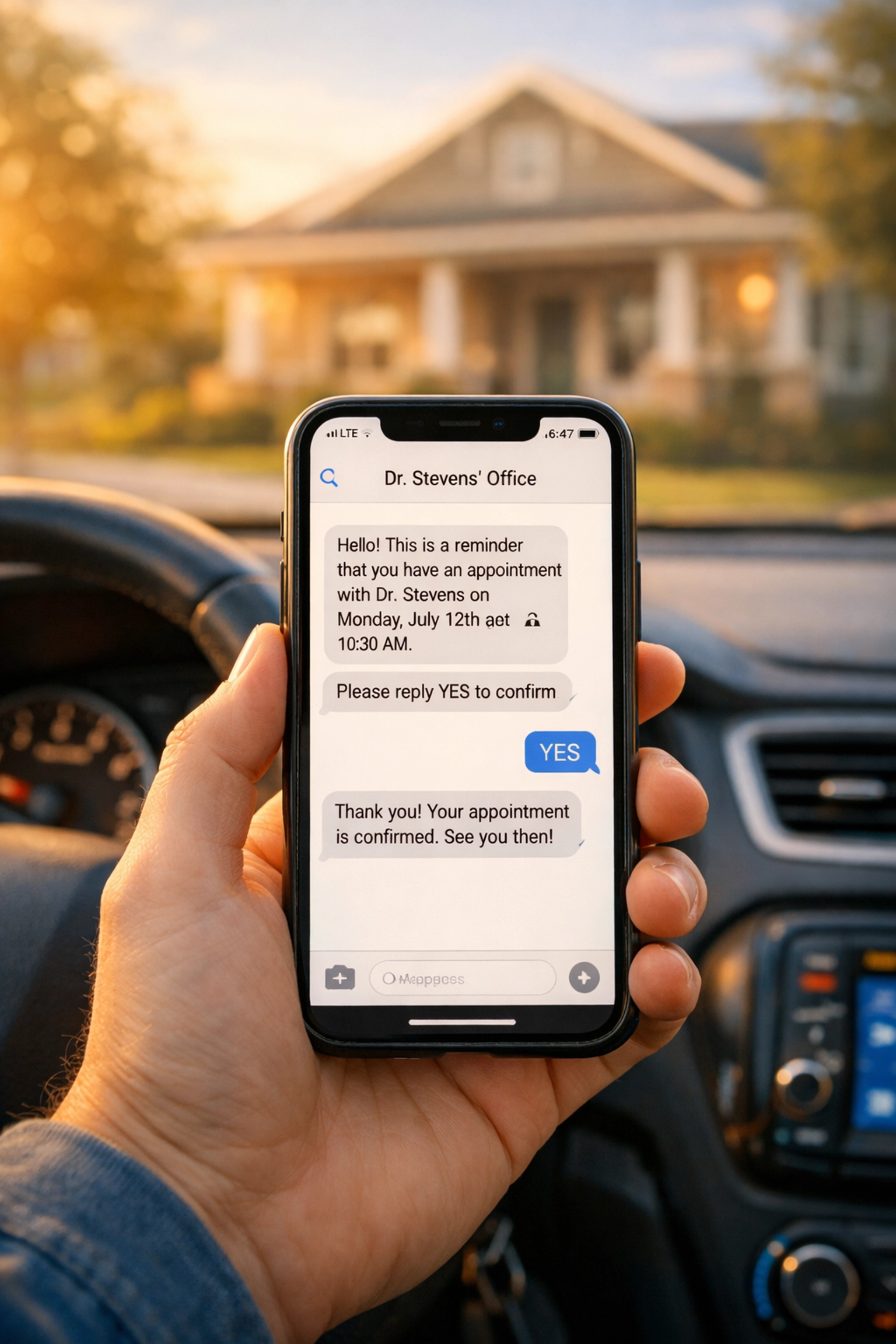
All showings must be confirmed with the prospective tenant exactly one business day before the scheduled appointment. This confirmation step reduces no-shows, ensures the tenant is still interested, and allows time to reschedule if conflicts arise.
Confirmation Process:
- Review Calendar: Each morning, review the calendar for showings scheduled for the following business day.
- Contact Method: Call the prospective tenant using the phone number provided in the Jotform. Follow up with a text message if the call goes unanswered.
- Confirmation Script: “Hi [Name], this is [Your Name] from Entrusted Property Management. I’m confirming your property showing tomorrow at [Time] for [Property Address]. Are you still available for this appointment?”
- Record Response: Document the confirmation in the calendar notes. If the tenant cannot be reached after two call attempts and one text message, mark the showing as “unconfirmed” and attempt contact again four hours before the scheduled time.
- Cancellations: If the tenant cancels or requests rescheduling, update the calendar immediately and direct them to submit a new Jotform for the revised showing time.
Unconfirmed showings should not be cancelled automatically. Make a final attempt to reach the tenant two hours before the scheduled time. If still unreachable, proceed to the property as scheduled: some tenants may still arrive despite not confirming.
Step 6: Conducting the Showing
Arrive at the property 10 minutes before the scheduled showing time to ensure the property is accessible, presentable, and ready for viewing.
Pre-Showing Checklist:
- Unlock all doors and turn on lights
- Open window treatments to maximize natural light
- Check for any maintenance issues or concerns
- Ensure heating or cooling systems are set to comfortable temperatures
- Have property information sheets and applications ready
During the Showing:
- Greet Professionally: Welcome the prospective tenant and verify their identity matches the Jotform submission.
- Provide Property Overview: Share key details including square footage, lease terms, monthly rent, security deposit requirements, and included utilities.
- Conduct Full Property Tour: Walk through all rooms, pointing out features and addressing questions. Allow the tenant adequate time to inspect the property thoroughly.
- Discuss Next Steps: If the tenant expresses interest, provide a rental application and outline the application timeline. Explain credit check fees, processing times, and approval criteria.
- Document Showing: Note the showing outcome in the calendar entry: interested, not interested, or undecided. Include any specific concerns or questions raised by the tenant.
Post-Showing:
- Lock all doors and windows
- Turn off lights and return property to secure condition
- Follow up with interested tenants within 24 hours to answer additional questions or provide application links
Eva Automation Opportunities
Eva, our AI Executive Assistant built on the Marblism platform, can streamline several manual steps in the showing process through intelligent automation.
Recommended Eva Automations:
- Calendar Monitoring: Task Eva with monitoring the Entrusted Property Management calendar for new Jotform entries. Eva can flag new showing requests and send notifications to the team within minutes of submission.
- Distance Calculation: Eva can automatically calculate property distances from Aberdeen, MD and trigger application requirement emails for properties exceeding the 5-mile threshold. This eliminates manual distance checking and ensures consistent rule enforcement.
- Day-Before Confirmations: Program Eva to handle automated confirmation outreach exactly 24 hours before scheduled showings. Eva can send personalized confirmation text messages and follow-up reminders, reducing the manual workload while maintaining high confirmation rates.
- Pre-Screening Alerts: Eva can review Jotform income and credit score data against qualification thresholds, flagging potential issues before team members manually review submissions. This allows faster response times for both qualified and unqualified applicants.
- No-Show Tracking: Eva can document no-show patterns and create reports identifying chronic no-show applicants, helping the team make informed decisions about future showing requests from repeat offenders.
By delegating routine monitoring and follow-up tasks to Eva, the team can focus on high-value activities like conducting quality property tours and building relationships with qualified tenants.

Key Performance Metrics
Track these metrics to evaluate showing process efficiency and identify improvement opportunities:
- Showing-to-Application Conversion Rate: Percentage of showings that result in completed rental applications
- No-Show Rate: Percentage of scheduled showings where the prospective tenant fails to appear
- Average Days from Showing to Lease Signing: Time required to convert showing interest into executed leases
- Distance Rule Compliance: Percentage of distant property showings that follow the application-first protocol
Review these metrics monthly to assess process effectiveness and adjust procedures as needed.
Troubleshooting Common Issues
Problem: Prospective tenant cannot find the Jotform link
Solution: Email the direct Jotform URL and confirm they received it. Walk them through the form submission process if necessary.
Problem: Double-booked showings on the calendar
Solution: Contact both parties immediately, offer alternative times to one party, and update the calendar to prevent future conflicts.
Problem: Property is not accessible at showing time
Solution: Contact the owner or maintenance team immediately. Offer to reschedule with the prospective tenant and compensate for their time with priority scheduling at the next available opening.
Problem: Prospective tenant arrives without completing Jotform
Solution: Have them complete the Jotform on their mobile device before beginning the showing. Do not conduct showings without collecting required pre-screening information.
Compliance Notes
All showing procedures must comply with Fair Housing Act requirements. Never deny showings or apply different standards based on protected class status including race, color, national origin, religion, sex, familial status, or disability. The Aberdeen distance rule and income requirements must be applied consistently to all applicants regardless of protected characteristics.
Document all showing interactions and decisions to maintain clear records of fair and consistent treatment across all prospective tenants.